Theo dõi mọi chi tiêu thẻ tín dụng, ngay trên iPhone.
Track every credit-card expense, right on your iPhone.
Tazo là cuốn sổ tay ghi chép chi tiêu thẻ do chính bạn nhập — theo dõi giao dịch, quản lý sao kê và nhắc bạn trước khi tới hạn thanh toán. Hoạt động 100% offline, không kết nối máy chủ, bên thứ ba hay ngân hàng.
Tazo is a card-spending journal you fill in yourself — track transactions, manage statements and get reminded before payment is due. Runs 100% offline, with no server, third party or bank connection.

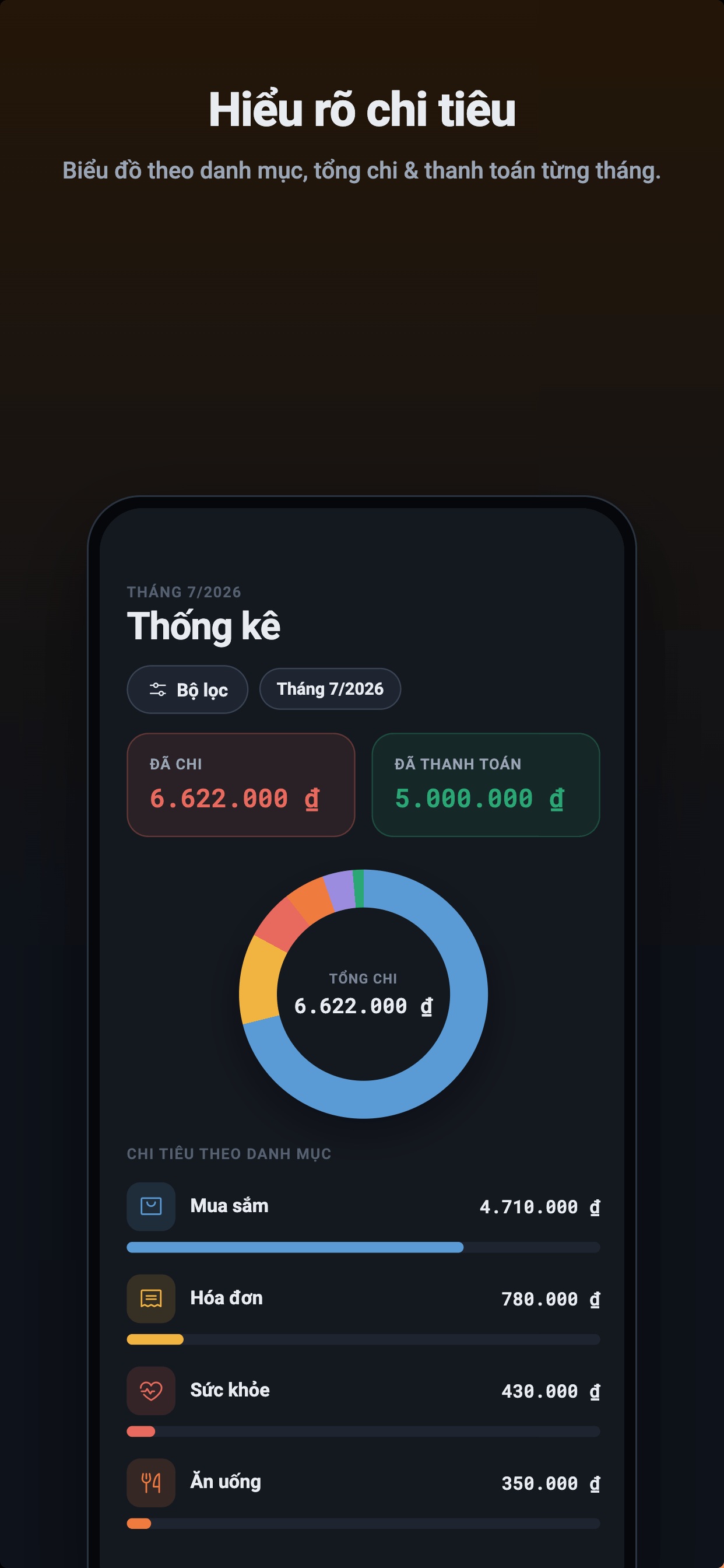
Ghi chép nhẹ nhàng, nắm rõ chi tiêu.
Effortless notes, clear spending.
Không lỡ hạn thanh toán, không quên chốt sao kê.
Never miss a payment or a statement close.
Tazo nhắc bạn ngay trên máy bằng thông báo cục bộ — dựa trên ngày do chính bạn nhập, không cần internet.
Tazo reminds you right on your device with local notifications — based on dates you entered, no internet needed.
Báo trước ngày đến hạn của từng thẻ để bạn kịp thanh toán, tránh phí trễ hạn và lãi.
Alerts before each card's due date so you pay on time and avoid late fees and interest.
Đánh dấu rõ những khoản đã quá hạn thanh toán để bạn xử lý ngay.
Clearly flags payments that are past due so you can act right away.
Báo trước ngày sao kê của mỗi thẻ để bạn chủ động theo dõi kỳ chi tiêu.
Alerts ahead of each card's statement date to keep you on top of the cycle.
Nhắc khi một kỳ sao kê đã tới hạn mà bạn chưa kịp đối chiếu, ghi chép.
Reminds you when a statement period is due but you haven't reconciled it yet.
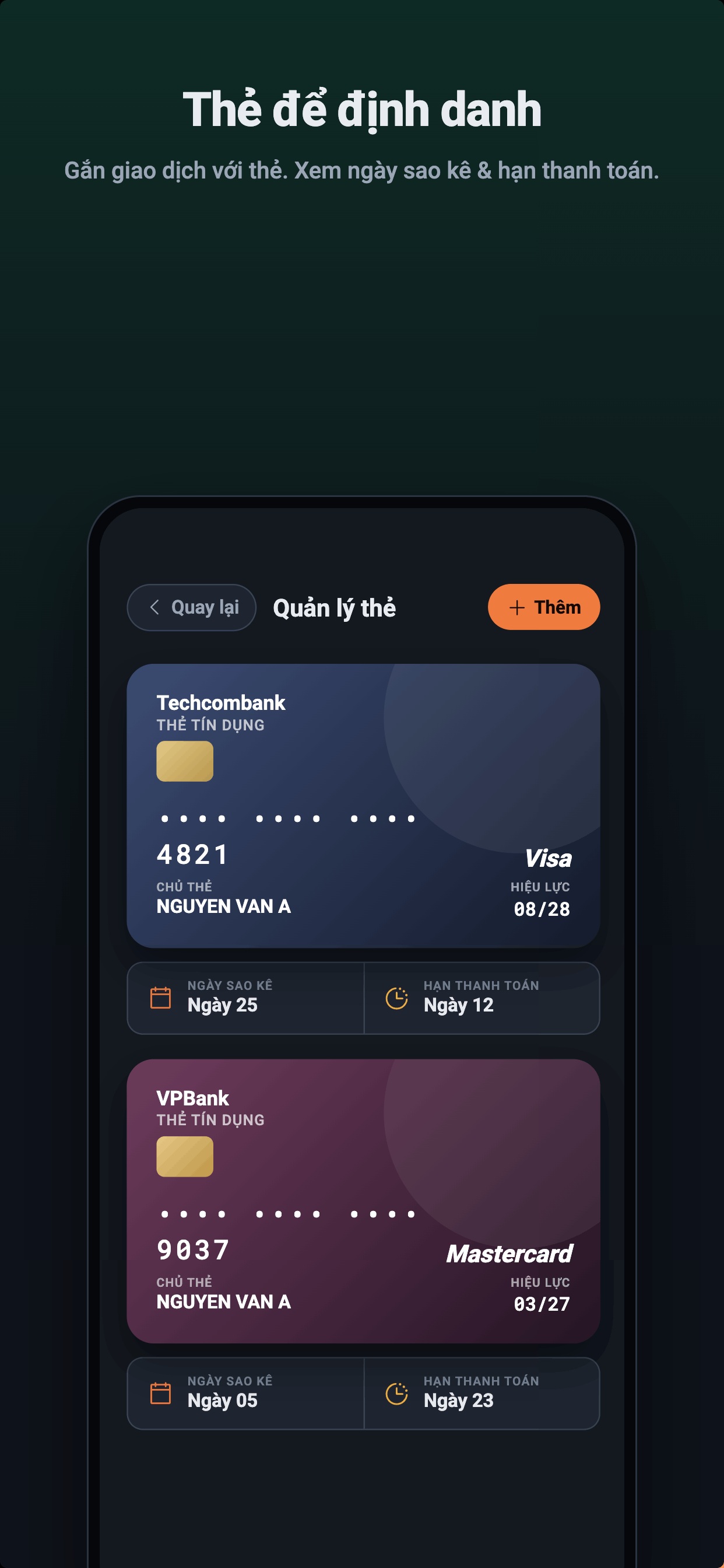
Gắn giao dịch với đúng thẻ — và không lỡ kỳ thanh toán.
Tie each transaction to the right card — and never miss a payment.
Dữ liệu của bạn không bao giờ rời khỏi máy.
Your data never leaves your device.
Tazo là sổ tay do bạn tự nhập, hoạt động 100% offline. Không tài khoản, không máy chủ, không kết nối ngân hàng hay bên thứ ba — và được khoá bằng Face ID cùng mã 6 số.
Tazo is a journal you fill in yourself, running 100% offline. No account, no server, no bank or third-party connection — and locked with Face ID and a 6-digit code.
Cài đặt trên iPhone trong 3 bước.
Install on iPhone in 3 steps.
Tazo hiện chỉ có trên App Store dành cho iOS. Chưa hỗ trợ Android hay web.
Tazo is available only on the App Store for iOS. No Android or web version yet.
Trên iPhone hoặc iPad, mở ứng dụng App Store rồi chạm vào biểu tượng Tìm kiếm.
On your iPhone or iPad, open the App Store app and tap the Search icon.
Gõ tên ứng dụng Tazo và chọn app có biểu tượng thẻ cam trong kết quả.
Type Tazo and pick the app with the orange card icon in the results.
Chạm Nhận rồi xác thực bằng Face ID. Mở app và đặt mã 6 số là xong.
Tap Get, authenticate with Face ID, open the app and set a 6-digit code. Done.